Excel Change Log
Keep a structured record of spreadsheet modifications and see exactly what changed in your Excel files.
Without a clear change log, spreadsheet edits can quickly become difficult to review, verify, and explain.
Download Demo
Try ExcelAudit on your own Excel files.
MacOS demo Windows demoRuns locally. No installation. No cloud.
No data leaves your device.
An Excel change log helps you keep a record of what was modified in a spreadsheet over time. This is useful when you need to review updates, verify changes, or understand how data evolved between versions.
Why a Change Log Matters
- Spreadsheet edits are easy to miss
- Old values are often overwritten permanently
- Shared files may change without documentation
- Manual review is slow and inconsistent
What an Excel Change Log Should Include
A useful change log should help you understand both the location and meaning of spreadsheet modifications.
- Which cells changed
- Old and new values
- Sheet, row, and column references
- A clear record of detected updates
How ExcelAudit Helps
ExcelAudit creates a structured Excel change log by recording detected modifications in a readable format. This makes it easier to review updates and keep a more reliable history of spreadsheet changes.
Instead of relying on memory or manual notes, you can work with a consistent record of what changed inside your files.
Baseline created for tracking Excel file changes
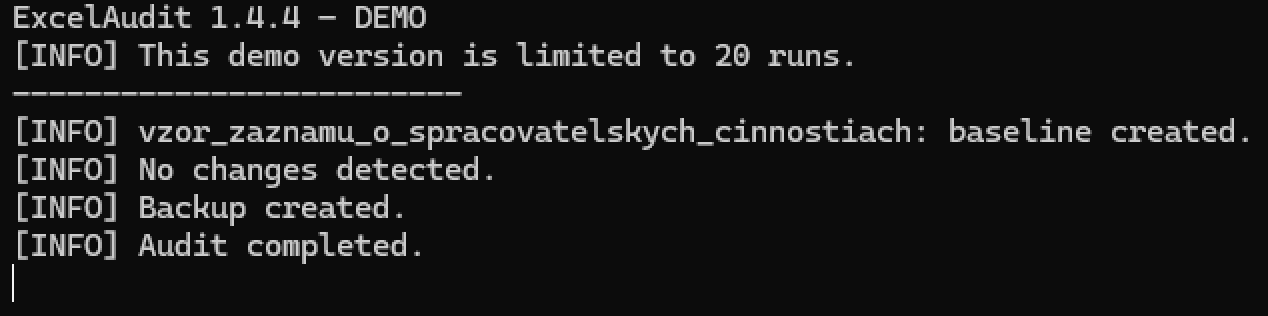
Detected changes recorded in the audit log

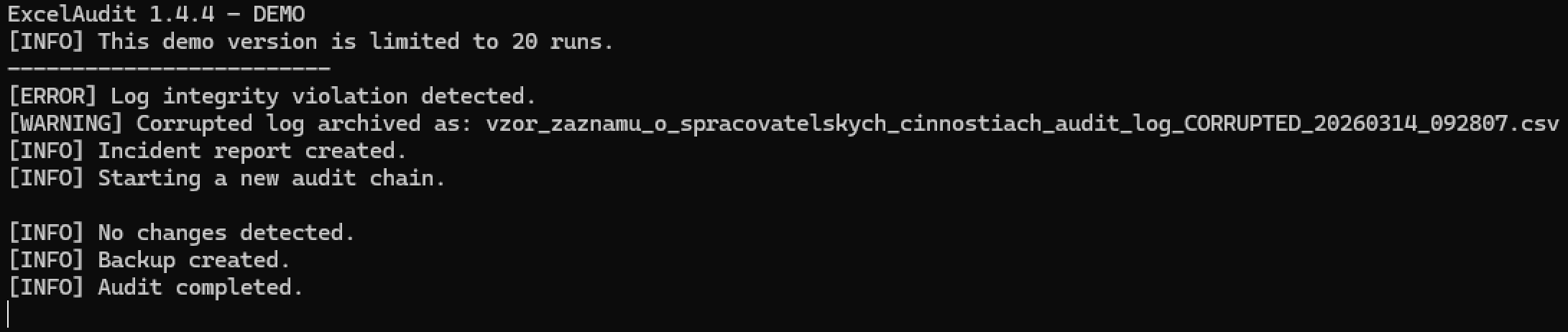
Audit log integrity check detecting modification issues
Related ExcelAudit Pages
© 2026 Robert Krecmer – ExcelAudit