Track Changes in Spreadsheet
Monitor spreadsheet edits clearly and see what changed in your data over time.
Spreadsheet changes are easy to miss when values are overwritten and edits happen across multiple versions.
Download Demo
Try ExcelAudit on your own Excel files.
MacOS demo Windows demoRuns locally. No installation. No cloud.
No data leaves your device.
If you need to track changes in a spreadsheet, the most important thing is being able to review modified cells quickly and understand how the data was updated.
Why Spreadsheet Change Tracking Matters
- Important edits can be overlooked
- Old values are replaced by new ones
- Spreadsheet history is often incomplete
- Manual checking is slow and repetitive
What Good Spreadsheet Change Tracking Should Show
A useful spreadsheet change tracking workflow should make it easier to review changes and keep a reliable record of updates.
- Which cells were modified
- Old and new values
- Where changes occurred
- A clear record of detected edits
How ExcelAudit Helps
ExcelAudit helps you track changes in a spreadsheet by recording detected modifications in a structured audit log. This gives you a clearer view of what changed and helps reduce manual review work.
It is useful when you need a practical way to monitor spreadsheet edits and review changes without relying on cloud systems or complex built-in features.
Baseline created for tracking Excel file changes
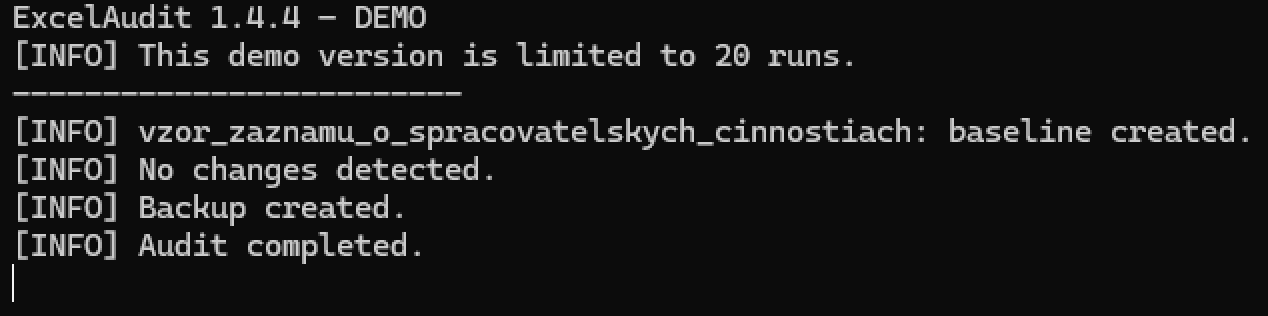
Detected changes recorded in the audit log

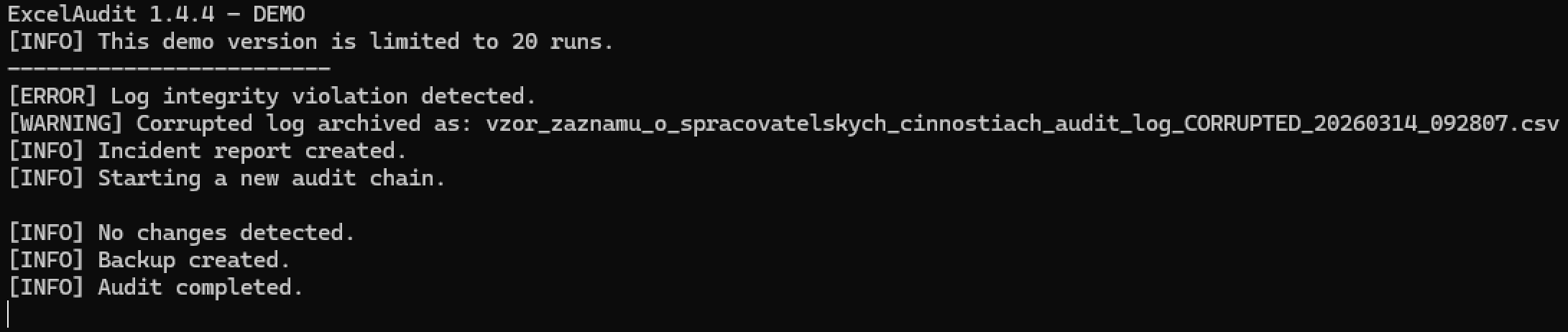
Audit log integrity check detecting modification issues
Related ExcelAudit Pages
© 2026 Robert Krecmer – ExcelAudit