How to Track Excel Changes
Learn how to monitor spreadsheet edits and keep a clear record of what changed in your Excel files.
If you need to track changes in an Excel file, but Excel’s built-in history isn’t enough, there’s a simple way to detect exactly what changed.
Download Demo
Try ExcelAudit on your own Excel files.
MacOS demo Windows demoRuns locally. No installation. No cloud.
No data leaves your device.
If you need to track Excel changes, the biggest challenge is usually visibility. Once a spreadsheet is edited and saved, it is often hard to see exactly which cells were changed and what the previous values were.
Why Tracking Excel Changes Is Hard
- Excel files are often edited without a visible history
- Old values are overwritten by new ones
- Shared files can change without clear documentation
- Manual comparison is slow and error-prone
What Good Change Tracking Should Show
A practical Excel change tracking workflow should help you quickly understand what changed inside the spreadsheet and preserve useful evidence of those modifications.
- Which cells were changed
- What the old values were
- What the new values are
- When changes were detected
How ExcelAudit Helps
ExcelAudit makes it easier to track Excel changes by recording modified cells and keeping a structured audit log. Instead of checking spreadsheets manually, you can review detected changes in a clear and repeatable format.
This is especially useful when you need a simple way to monitor spreadsheet edits without relying on macros, cloud systems, or manual version checking.
Baseline created for tracking Excel file changes
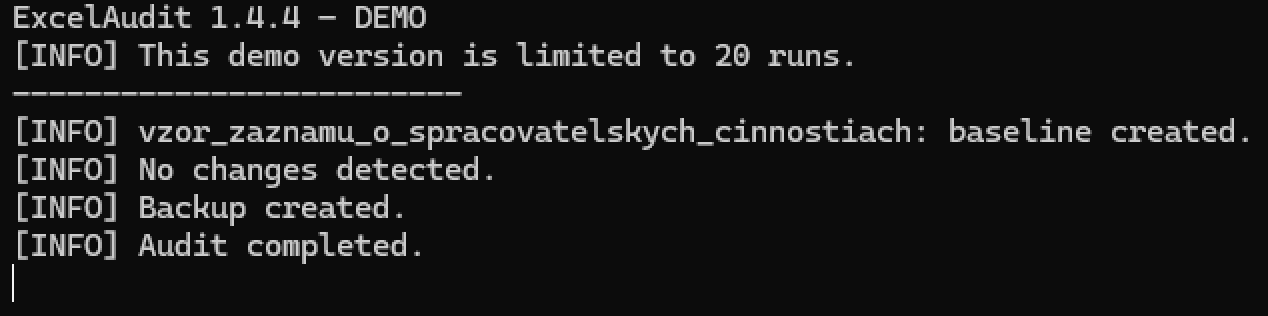
Detected changes recorded in the audit log

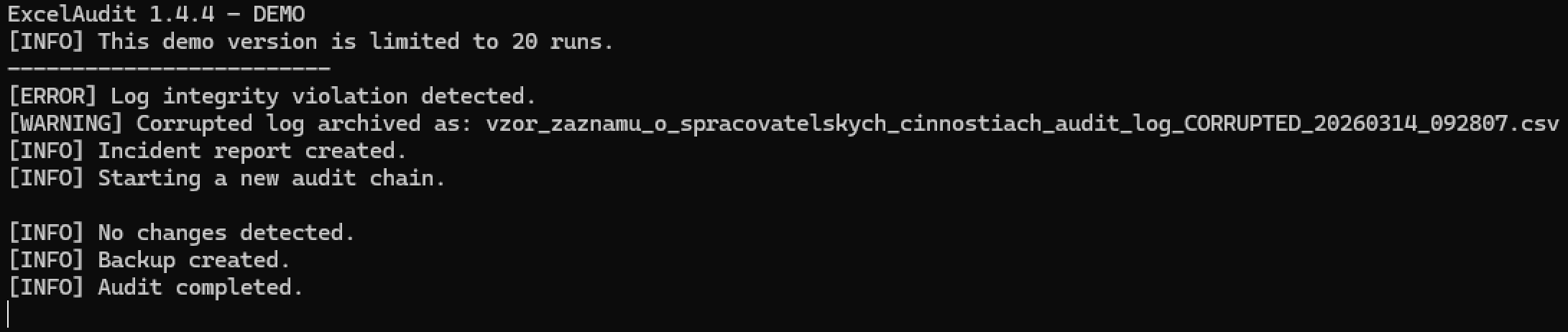
Audit log integrity check detecting modification issues
Related ExcelAudit Pages
© 2026 Robert Krecmer – ExcelAudit